Affiliate disclosure: We may earn a commission from links on this page at no extra cost to you.
Best Launch Monitor for a Home Simulator
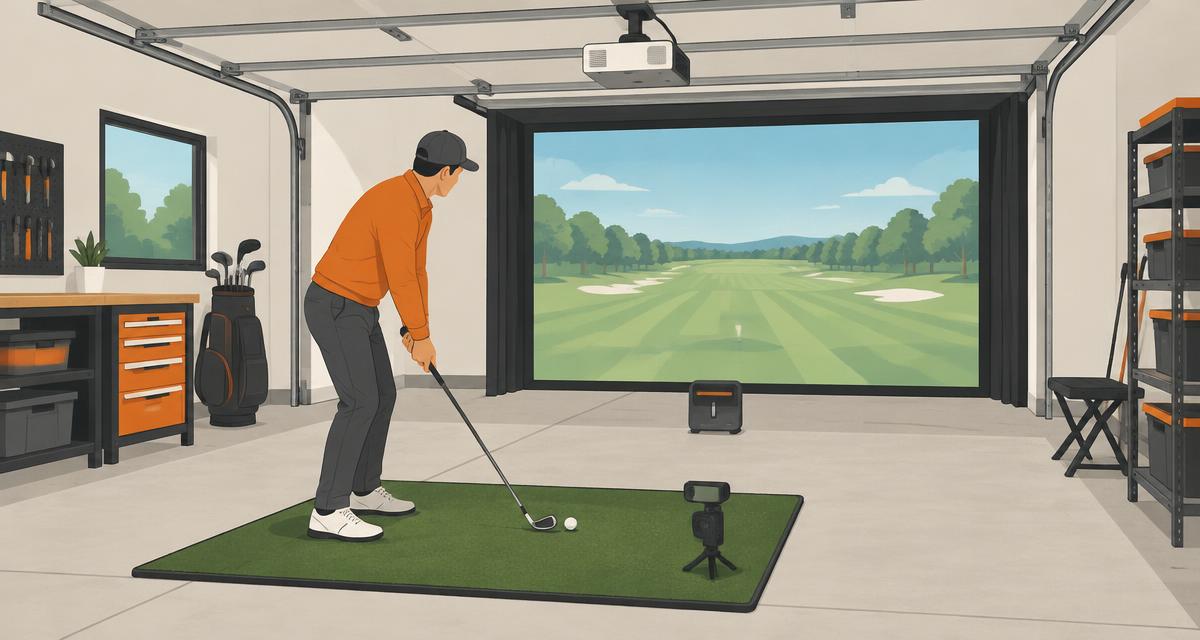
SKYTRAK+ is our starting pick for a garage with limited depth because it sits beside the ball. Choose Garmin Approach R10 for a lower-cost radar setup or Foresight GC3 for a premium camera-based option.
Last updated: October 2026By Garage Hobbies Team
Quick comparison
| Product / Best for / Key spec | Best for | Key spec | Price |
|---|---|---|---|
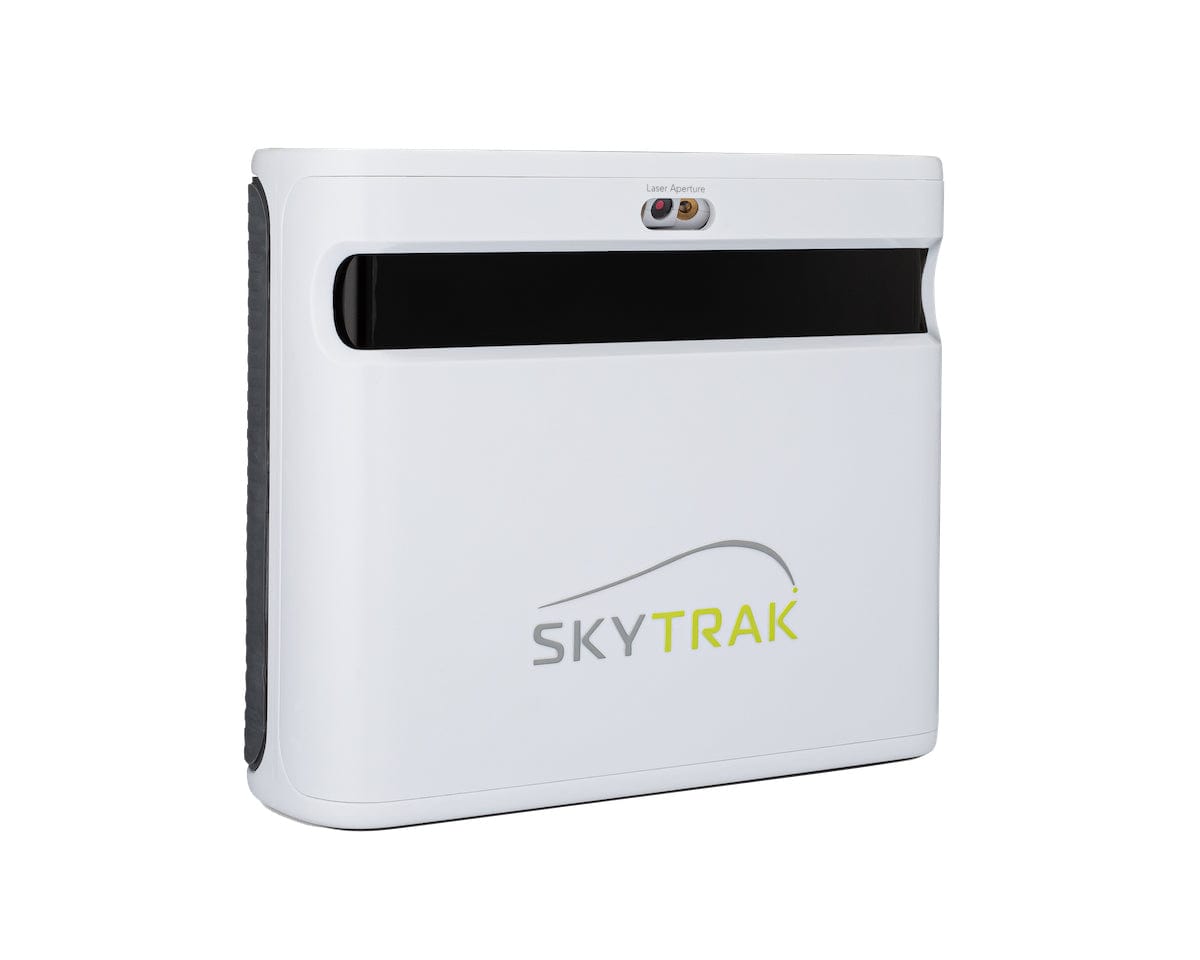 SKYTRAK + | Best forA garage with limited rear depth | Key specSide-on cameras plus club-data radar | $1,995at SkyTrak |
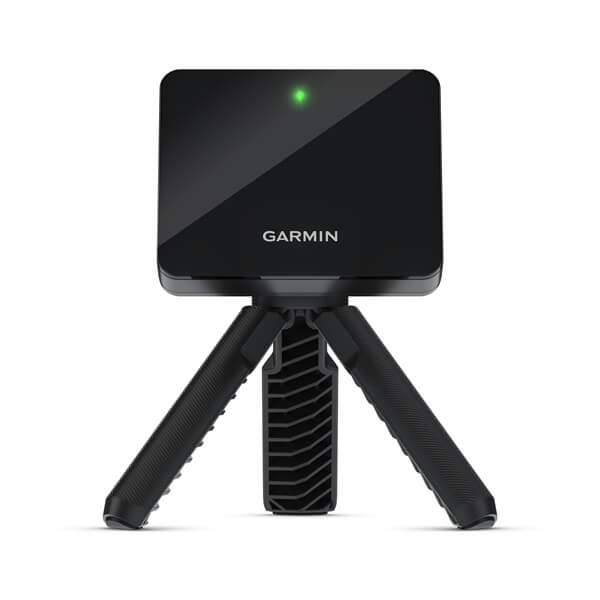 Garmin Approach R10 | Best forPortable practice with enough depth | Key spec6-8 ft. behind ball, 8+ ft. flight | $499.99at Garmin |
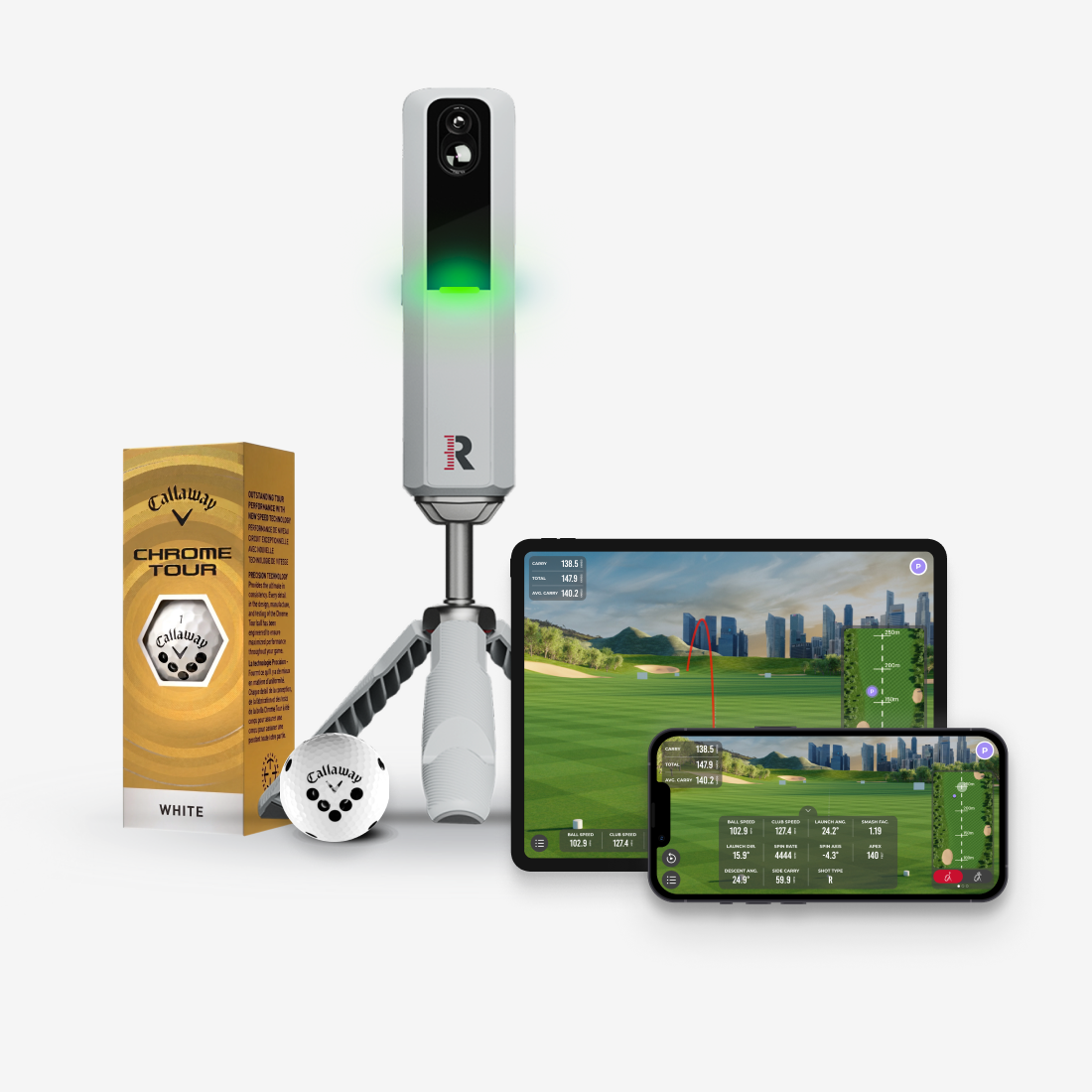 Rapsodo MLM2PRO | Best forShot data with impact video | Key specDual cameras and radar | $599.99at Rapsodo |
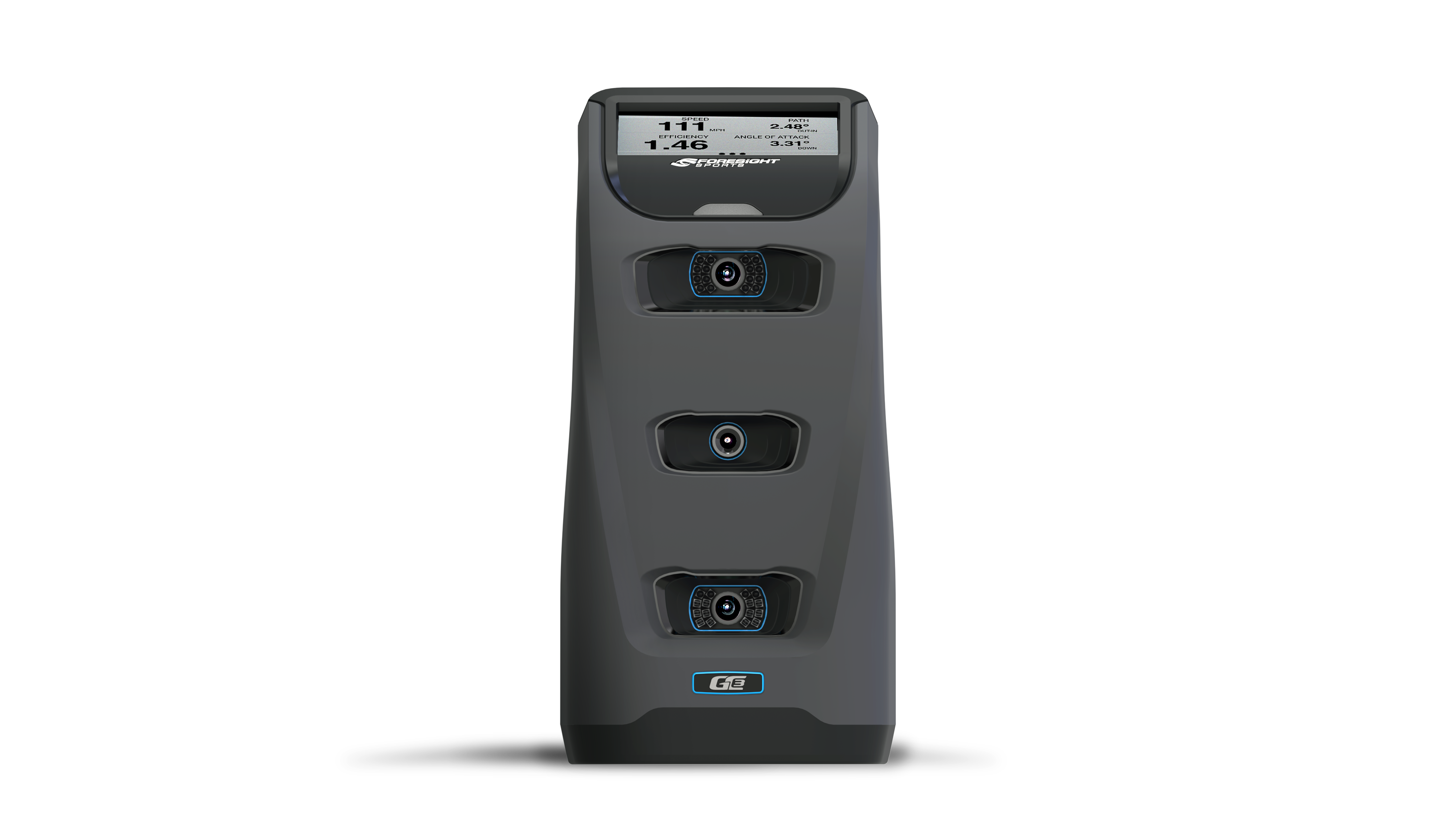 Foresight Sports GC3 | Best forA premium indoor and outdoor practice setup | Key specThree-camera tracking, onboard display | $3,999at Foresight Sports |
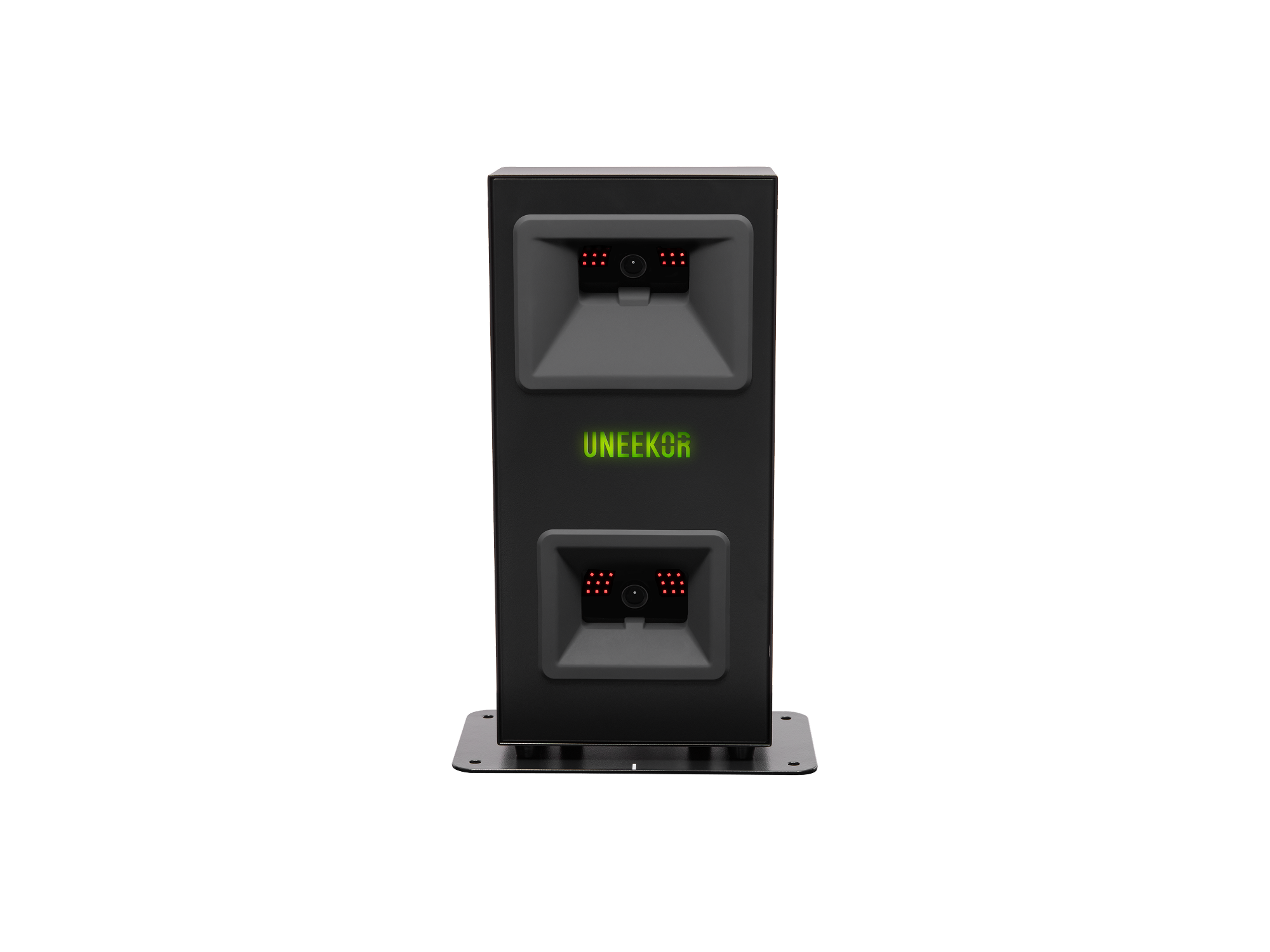 Uneekor EYE MINI LITE | Best forA permanent indoor PC simulator | Key specCamera unit with Ethernet and external power | $1,999at Uneekor |
Prices checked October 15, 2026. Prices change, check the retailer for the current price.
Our picks
Best overall indoor starting pick
1. SKYTRAK +
SKYTRAK+ sits beside the ball rather than several feet behind it. That makes it a useful starting pick for a shorter garage. Its cameras capture ball data while radar supports club data. Check your chosen software plan, device requirements and hitting position before buying. It is not a complete simulator kit.
Key specs
- Photometric ball tracking
- Dual Doppler radar for club data
- Side-on floor placement
Pros
- No long rear radar lane
- No special marked ball required
- Multiple simulation options
Cons
- Software features depend on plan
- Switching handedness may require moving it
- Alignment and lighting still matter
$1,995 at SkyTrak
View at SkyTrakBest budget radar
2. Garmin Approach R10
Approach R10 is a lower-cost way to start tracking shots and trying simulation. Choose it only after measuring a rear-to-screen lane that meets Garmin's instructions. Indoor spin and flight modeling need realistic expectations. It is a convenient practice tool, not a promise of the same data set as a premium camera system.
Key specs
- Portable radar monitor
- 6-8 feet behind the ball
- At least 8 feet from ball to screen or net
Pros
- Portable battery-powered design
- Lower hardware cost
- Practice and simulator connections
Cons
- Needs substantial total depth
- Some metrics are calculated
- Membership or separate software may be needed
$499.99 at Garmin
View at GarminBest radar and video mix
3. Rapsodo MLM2PRO
MLM2PRO combines radar with cameras and impact video. It suits a deeper garage where you can place the unit behind the golfer and allow enough ball flight. Direct indoor spin measurement uses compatible RPT balls. Check the current Premium membership requirements for spin features and third-party simulation rather than relying on an old bundle offer.
Key specs
- Dual-camera and radar system
- Typically 6.5-8.5 feet behind ball
- RPT balls for measured indoor spin
Pros
- Impact video alongside data
- Portable setup
- Marked-ball indoor spin option
Cons
- Rear space and ball-flight lane required
- Premium membership gates important features
- Special balls are part of indoor setup
$599.99 at Rapsodo
View at RapsodoBest premium portable camera unit
4. Foresight Sports GC3
GC3 uses three cameras beside the ball and has an onboard display for practice. Choose the exact GC3 package and data license you need, not a similarly named subscription model by assumption. Club data needs the prescribed club marker. A simulator still requires compatible software, a suitable computer and a safe hitting enclosure.
Key specs
- Three-camera photometric system
- Side-on placement
- Onboard touchscreen display
Pros
- No long radar-flight lane
- Onboard practice data
- Indoor and outdoor use
Cons
- Higher hardware cost
- Software and licenses vary by bundle
- Club markers and precise ball placement needed
$3,999 at Foresight Sports
View at Foresight SportsBest dedicated wired garage setup
5. Uneekor EYE MINI LITE
EYE MINI LITE is a side-on camera monitor for a fixed indoor station. It trades a battery and onboard screen for a wired computer setup. Check the supported Windows PC specification and Ethernet arrangement first. It can be the best launch monitor for a home simulator when portability is not part of your plan.
Key specs
- Photometric camera tracking
- External power and wired PC connection
- 12 x 8-inch hitting zone
Pros
- Compact side-on layout
- Impact-viewing tools
- Designed for a fixed indoor station
Cons
- No standalone battery operation
- Compatible PC required
- Third-party simulation needs the appropriate plan
$1,999 at Uneekor
View at UneekorRadar vs photometric launch monitors
Radar units normally sit behind the ball and watch part of its flight. They need a clear lane and the maker's minimum distances. Camera-based, or photometric, units often sit beside the ball and capture its first movement. That can help in a garage with limited depth.
Some models combine both methods. Do not judge the unit by one technology label alone. Check which ball and club values are measured, calculated or available only with an add-on. A side-on monitor may need moving when right- and left-handed players share the mat.
- Radar: reserve space behind the player and ahead of the ball.
- Photometric: leave room beside the ball and protect the unit from strikes.
- Hybrid: follow that model's placement rules.
- Check putting and short-shot support for your chosen software.
Measure indoor depth, width and ceiling clearance
Measure the entire hitting setup before choosing a monitor. Garmin R10 needs 6-8 feet behind the ball and at least 8 feet ahead of it. Those distances do not include every screen-to-wall gap or exit lane. Rapsodo also needs rear placement and adequate ball flight.
Camera units remove the long rear tracking lane, not the need for a safe swing. Ceiling height depends on your height, club length and swing. A roughly 10-foot ceiling is a common planning target, not a universal minimum. Test slow practice swings safely with the longest club and check garage door tracks.
- Allow screen deflection space per the enclosure maker.
- Measure swing width for every player.
- Keep cars, children, pets and storage outside the hitting area.
- Include the mat height when checking ceiling clearance.
Subscription fees and simulator compatibility
Compare ongoing software commitments as well as the hardware cost. A monitor's free driving range does not mean every course simulator or data feature is included. Garmin Golf, Rapsodo Premium, SKYTRAK plans and Uneekor plans unlock different features.
Check compatibility with the exact software you want, such as E6 CONNECT or GSPro, through the monitor maker and software provider. Confirm any connector, membership, operating system and PC requirements. GC3 licenses and bundles differ from GC3S offerings, so read the exact package terms.
- List annual memberships separately from one-time licenses.
- Check what still works if you stop subscribing.
- Verify whether club data or spin requires an upgrade.
- Do not assume a trial is permanent access.
- Allow for a screen, enclosure, mat, projector and computer beyond the monitor.
Accuracy starts with correct setup
No monitor is accurate in every garage just because its spec sheet looks strong. Alignment, level placement, clean lenses, ball position and lighting affect results. Radar can be affected by nearby moving fans and other interference. Follow the model's indoor instructions before treating a reading as a swing problem.
Rapsodo's indoor spin setup requires RPT balls. Some camera units need club stickers for club data. Distinguish a measured spin reading from an estimated value and a simulated carry distance. We do not claim a measured accuracy ranking or invent tolerances.
- Use the prescribed ball and club markings.
- Keep firmware and supported software current.
- Investigate repeated missed shots before changing equipment.
- Compare like-for-like conditions when checking readings.
Power, temperature and a safe hitting station
Keep monitors within their stated temperature and humidity limits. An unheated garage can fall outside an indoor product's rating. Prevent condensation after a cold unit enters a warmer room, following the maker's guidance.
Route PC, projector and monitor cables away from feet and the swing path. Use an enclosure intended for golf impacts, not a loose curtain. Follow local codes and use a licensed pro for new outlets, overhead mounting or structural and ventilation changes.
- Protect side-on units without blocking sensors.
- Check screen rebound and side protection.
- Keep a clear route to the garage exit.
- Never swing beneath an obstruction just because the monitor fits.
Frequently asked questions
What is the best launch monitor for a home simulator?
SKYTRAK+ is our starting indoor pick when rear depth is limited. Garmin R10 suits a lower-cost deep-room setup, while GC3 is a premium camera option. Fit and software needs should decide the final choice.
Is radar or photometric better indoors?
Photometric units often need less rear space because they sit beside the ball. Radar can work indoors when you meet the model's placement and flight-distance rules. Neither method removes setup requirements.
How much space does an indoor launch monitor need?
It depends on the unit. Garmin R10 needs 6-8 feet behind the ball and at least 8 feet ahead. Side-on camera units need less rear depth but still require safe swing and screen clearance.
Do launch monitors require a subscription?
Some functions do. Basic practice, spin data and third-party simulation can have different plan requirements. Check the exact model, package and software before buying.
Can I use GSPro or E6 with any launch monitor?
No. Confirm official support, connector requirements, memberships and computer specifications for the exact combination. A software logo alone does not mean every feature or license is included.
Are budget launch monitors accurate enough for practice?
They can provide useful feedback with the correct setup, but measured and calculated data differ by model. Do not treat simulated carry or estimated spin as a laboratory measurement.
Related buying guides
- Golf Simulator Cost for a Home GarageUsing prices we checked in October, the core parts of a garage golf simulator (launch monitor, screen and mat) start around $1,130 and can top $6,000. The launch monitor is the biggest cost. A projector, enclosure, computer and software add more.
- Best Golf Simulator for Home and GarageSkyTrak ST MAX is our overall launch-monitor pick. Start with Palladium’s net setup on a budget, add its feedback mat for practice, or build a dedicated Trackman iO bay. Optoma GT2400HDR supplies the projected image.
- Best Lights for Garage Ceiling and Work ZonesFLSNT is our budget motion-sensor pack. The 240W UFO high-bay option is for tall or large garages with a planned lighting layout. Barrina, Feit and RAB remain choices for distributed shop lighting and fixed installations.